- An AI SEO agent is a process with a goal, tools, and a stop condition — not a chat interface.
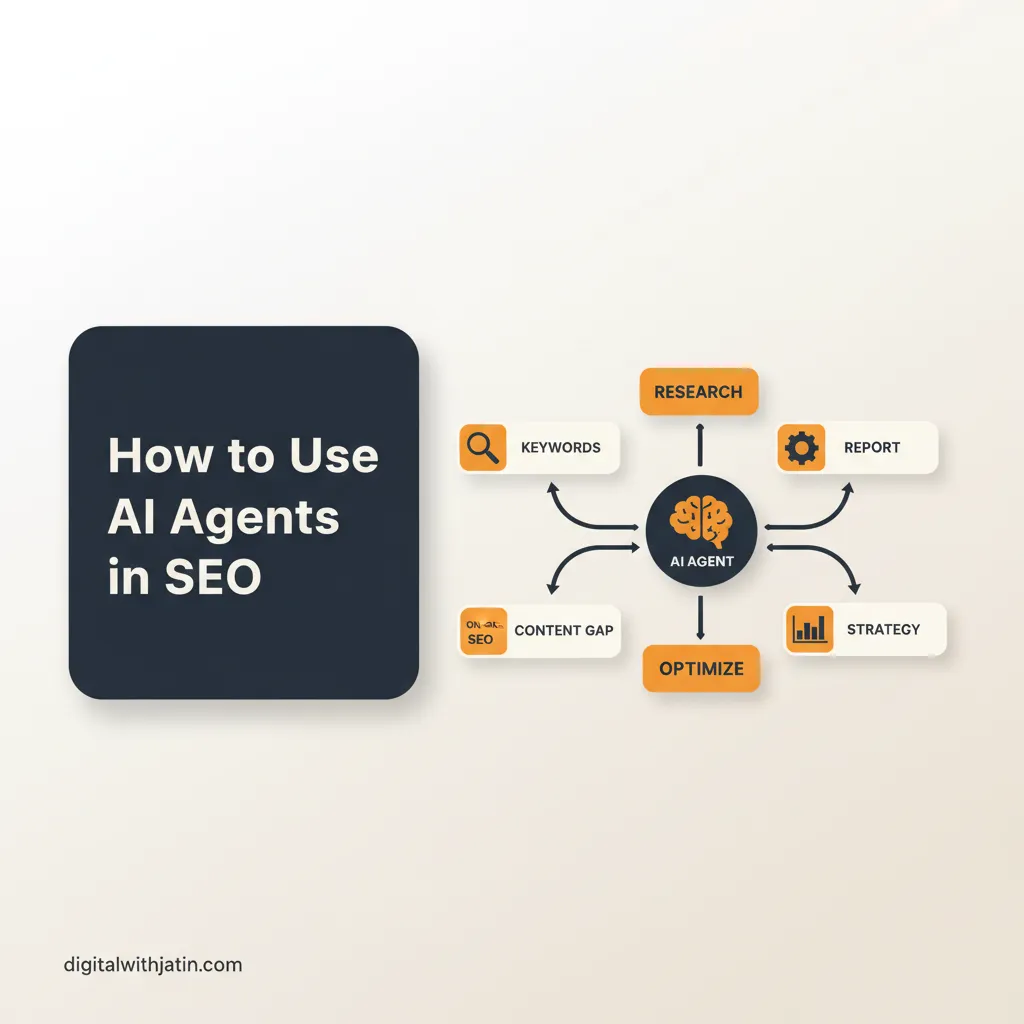
- The 6-step loop: pick one narrow task, define tools, write a specific system prompt, add a human gate, log every run, iterate on the prompt.
- Most failures trace to ambiguous instructions or missing tools — not to the model. Fix the prompt before swapping models.
- Start with the most repetitive task in your current workflow. Prove the loop. Then extend.
The first ai seo agent I built did one thing: given a keyword, it searched the top five results, extracted the headings and subheadings, and returned a structured outline. That was it. It ran in 90 seconds. The next day I had stopped doing that task manually entirely.
The mistake most people make with how to use ai agents in seo is starting with a complex orchestration. Multi-agent pipelines, automated publishing, cross-tool integrations. Six weeks in, they have a fragile system that breaks whenever a page structure changes and a team that doesn’t trust the output. Start with one task. Prove the loop. Extend.
What an AI SEO agent actually is
An ai seo agent is an LLM with a system prompt, a set of tools, and a stop condition. It is not a chat session. When you ask ChatGPT to write a title tag, you are in a chat. When a process automatically reads your content, calls a keyword API, generates three title variants, validates each against your character limit, and writes the winning one to a file — that is an agent.
The distinction matters because the design requirements are different. Chat requires a good prompt. Agents require a good system prompt, a well-defined tool set, a clear success condition, and a human gate before any output touches production.
Anthropic’s computer use and MCP documentation and OpenAI’s Assistants API overview both ship standardised patterns for building agents with tools, memory, and iteration. The patterns are converging across providers.
The 6-step workflow for an AI SEO agent
This is the sequence I use to build every new seo agent automation. It applies whether the stack is Claude Code, n8n, or LangChain.
Step 1: Pick one task with a clear success condition
“Improve SEO” is not a task for an agent. “Given a URL, check whether it has valid Article and FAQPage JSON-LD and return a pass/fail with the error message if failed” is.
The success condition must be verifiable without human judgment. Pass/fail on the Rich Results Test. File exists at the expected path. Word count between 1,400 and 1,600. If you cannot write a binary check, the task isn’t agent-ready yet.
Step 2: Define the agent’s tools
An agent with no tools is a one-shot LLM call. The tools are what make it an agent. Each tool needs:
- A name
- A one-sentence description
- An input JSON schema
- An output format
For a basic ai agent seo workflow: web search (Brave, Serper, or Firecrawl), file read, file write, URL fetch, and JSON-LD validate. That five-tool set covers most SEO audit and content tasks.
Step 3: Write the system prompt
Anthropic’s research on building effective agents has one finding that is consistently correct: prefer simple, explicit system prompts over complex orchestration logic. Specificity beats length. One constraint per line. No nested conditionals in natural language.
A good system prompt for a brief-generation agent is 400 tokens. A bad one is 2,000 tokens of edge-case handling that the model ignores under pressure.
Step 4: Add the human review gate
Every agent run in a multi agent seo system should produce two artifacts: the output (draft, report, schema block) and a log (what the agent searched, what it found, what it decided). A human reviews both before the output moves to the next pipeline stage.
This gate is not optional for the first 30 runs. After 30 runs, the log patterns tell you where the agent is consistently correct and where it isn’t. You extend automation only to the consistently correct sections.
Step 5: Log every run
The log must be append-only and human-readable. Date, input keyword or URL, tools called in sequence, output summary, pass/fail on success condition. Over 30 runs this log is more valuable than any individual output — it shows systemic failure patterns that single-run QC misses.
Step 6: Iterate on prompt and tool set
When an agent fails, the instinct is to swap models. That is almost never the right fix. Failures trace to:
- Ambiguous instruction in the system prompt (fix the prompt)
- Missing tool (add the tool)
- Incorrect success condition (redefine the check)
Model-swapping fixes maybe 5% of failures. Prompt improvement fixes the other 95%. Work the prompt first.
Where to start if you have never built an agent
One task. The most repetitive thing in your current SEO workflow. For most teams that is one of:
- Generating first-draft title tags and meta descriptions for a content batch
- Checking whether pages have valid schema and flagging the failures
- Pulling competitor headings for a research brief
- Generating internal-link suggestions given a page’s content
Pick the one with the clearest success condition. Build the six-step loop. Run it 30 times. Review every output. After 30 runs, you have enough data to know whether to extend it or scrap it.
The ai agent seo workflow that actually ships is the one that starts with the boring, repetitive task — not the exciting multi-agent orchestration vision.
What this connects to
This post covers the build pattern for a single agent. For the system view of how agents connect into a full content pipeline, see what AI SEO agents actually are. For how the technical audit side of the pipeline works, see automating technical SEO audits.
If you want the six-step workflow set up for your site’s specific content operation, that’s the automation offering.